

Two progress bars, one journey
Brief Ingestion ran a three-step stepper inside the five-stage stepper, so users tracked two positions at once.
Redesign: one persistent vertical rail.
Case Study · Publicis Sapient · Bodhi
An end-to-end UX and UI redesign of AI Campaign Studio restructuring how marketers move from a brief to AI-generated concepts and assets, rebuilt on the Helix Design System. A reimagined end-to-end journey that makes AI campaign creation easier to learn, use and adopt.
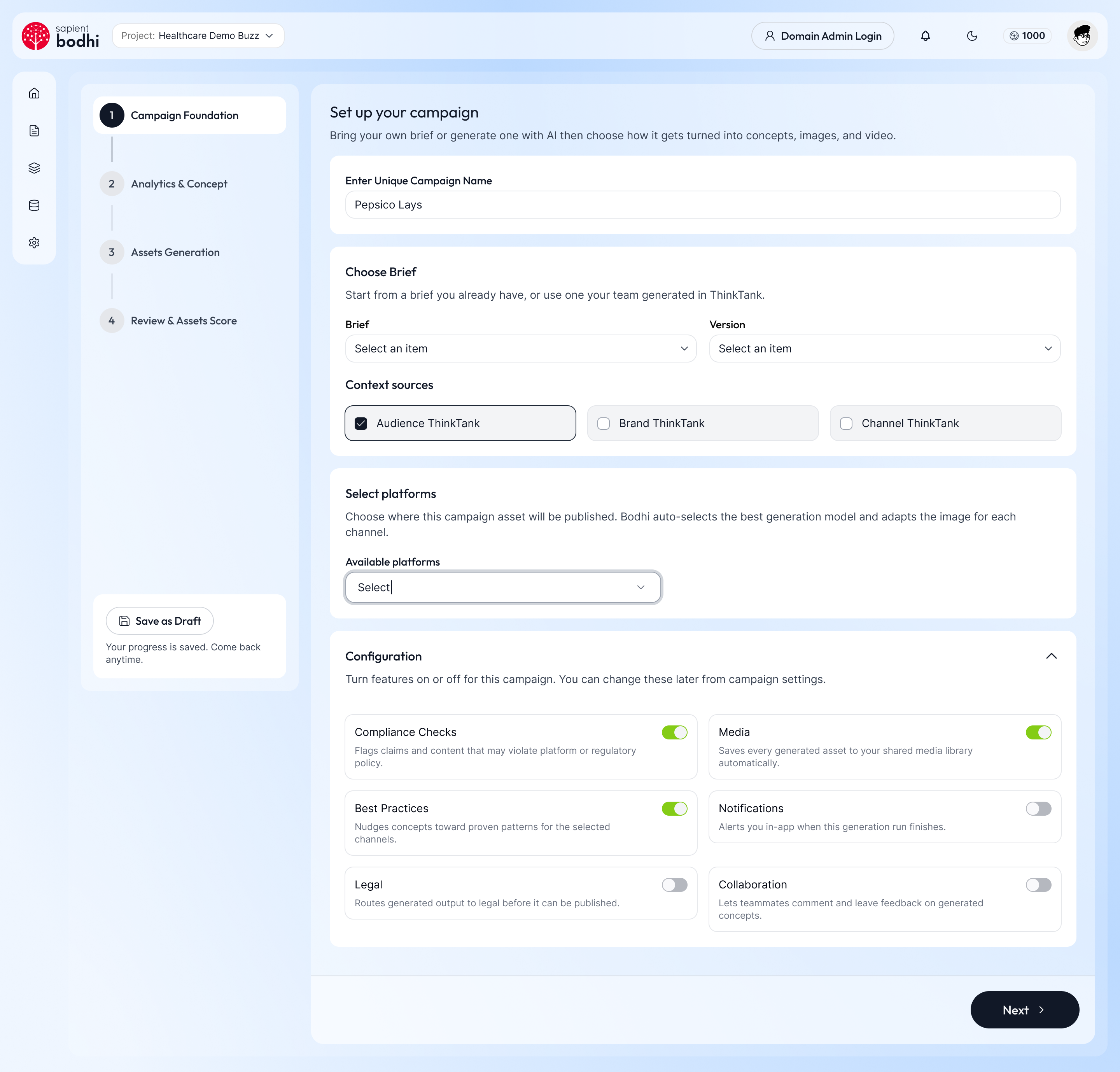
AICS takes a marketing brief and turns it into audience-targeted concepts, images and video for each channel. I owned the redesign of the whole application structure, workflows and interface and brought it onto Helix.
Situation
AICS helps marketers turn a campaign brief into AI-generated concepts, images and videos. The AI did its job well, but the product had been built one screen at a time and it showed.
Creating a campaign took five stages, and the first stage had its own smaller stepper inside it.
The brief was split across six collapsed sections, so the details that shaped every later step were out of sight.
Audience options appeared as long paragraphs instead of side-by-side options.
Each screen used its own layouts and components instead of a shared design system.
Every new AI feature added another screen and made the product harder to use. Before adding more, AICS needed a clear structure.
Task
the full AICS experience, UX and UI
the information architecture
complex AI campaign workflows
the UI so it stays consistent at scale
Action
Mapped every existing screen — workspaces, projects, the five-stage campaign flow and admin ThinkTanks — to expose duplication, dead ends and inconsistent patterns.
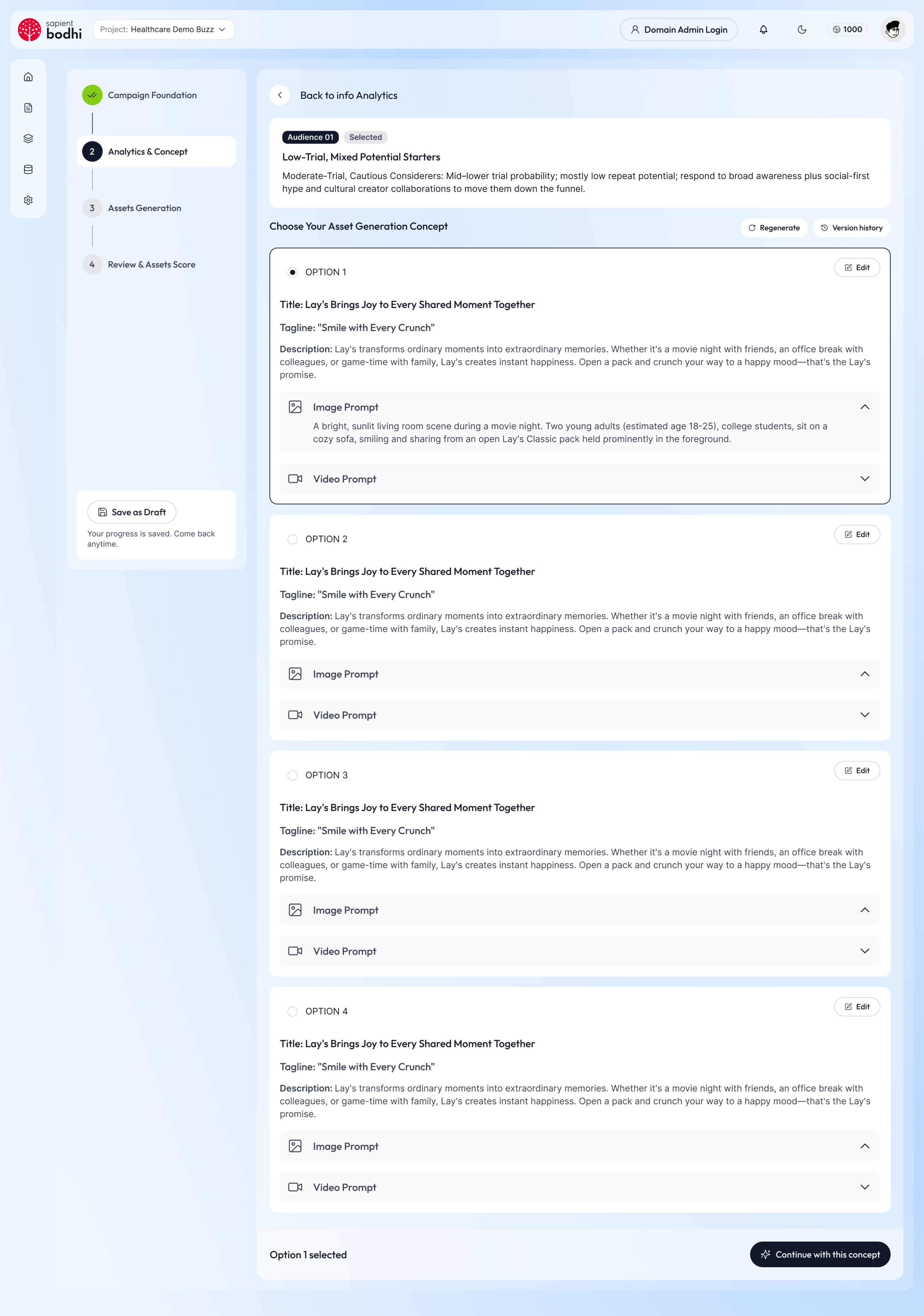
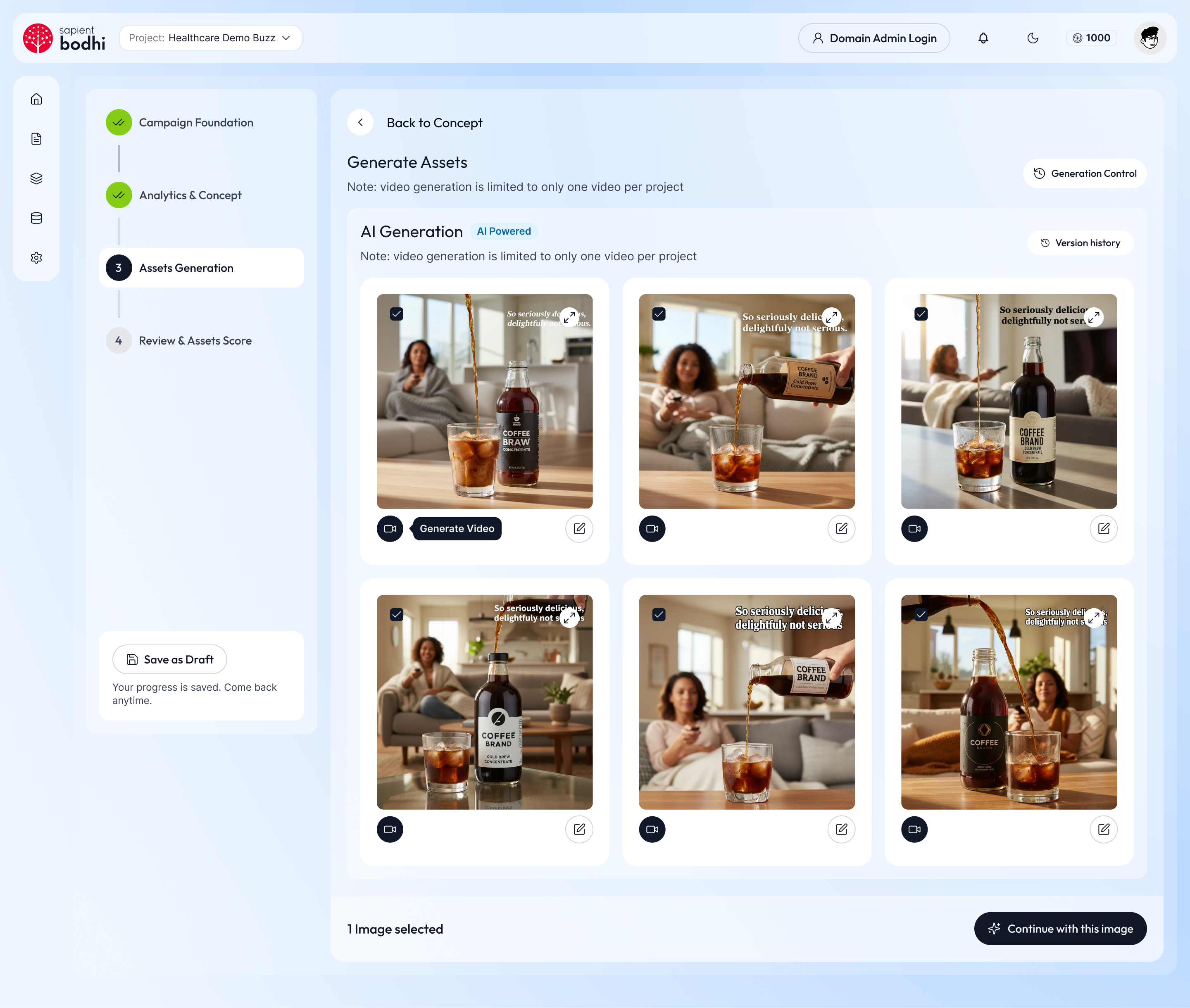
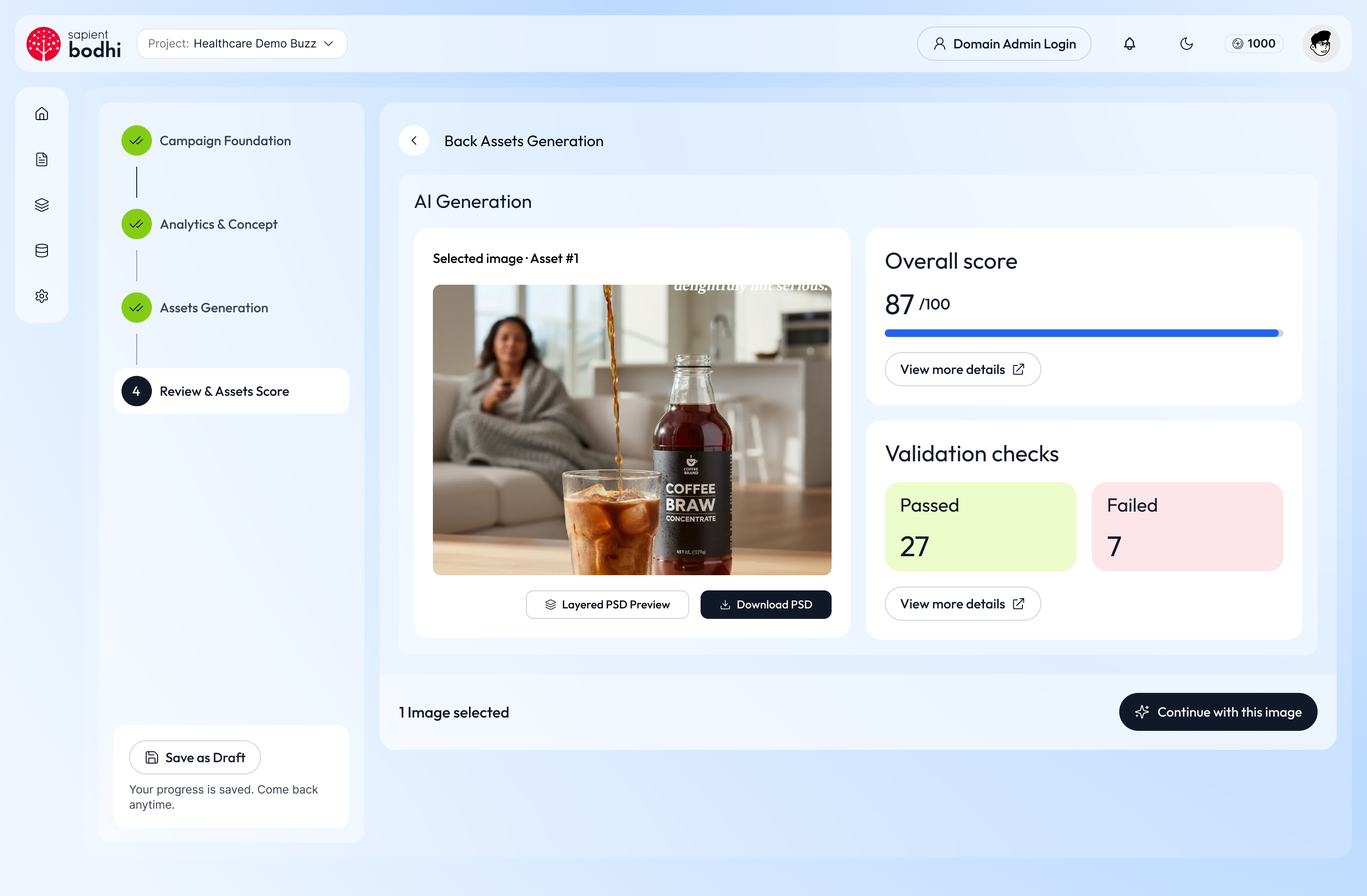
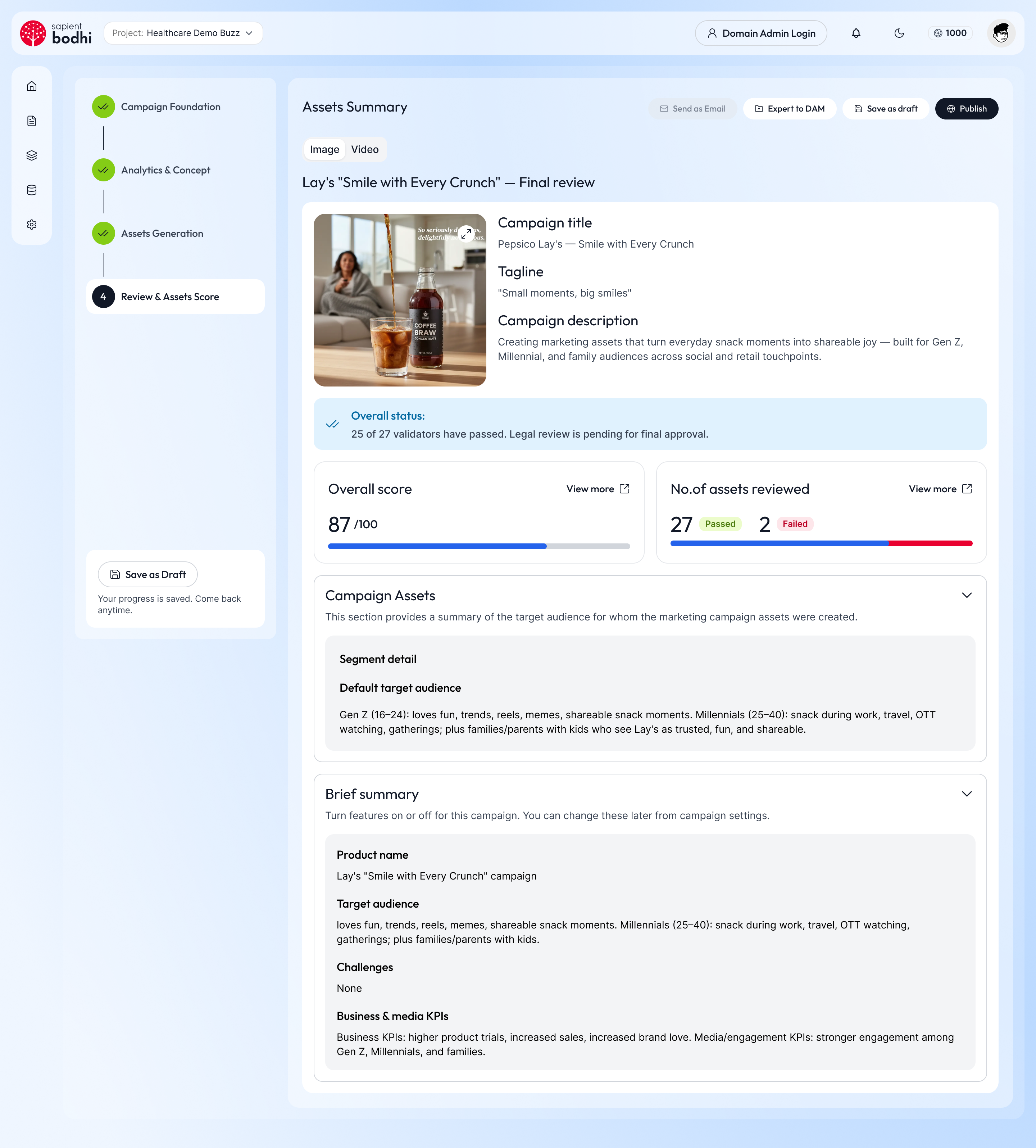
Collapsed five stages into four: Campaign Foundation, Analytics & Concept, Assets Generation, Review & Assets Score.
Rebuilt campaign setup, audience selection and concept selection around the decisions users actually make at each step.
Took the new structure from low-fidelity flows to production-ready screens, states and edge cases.
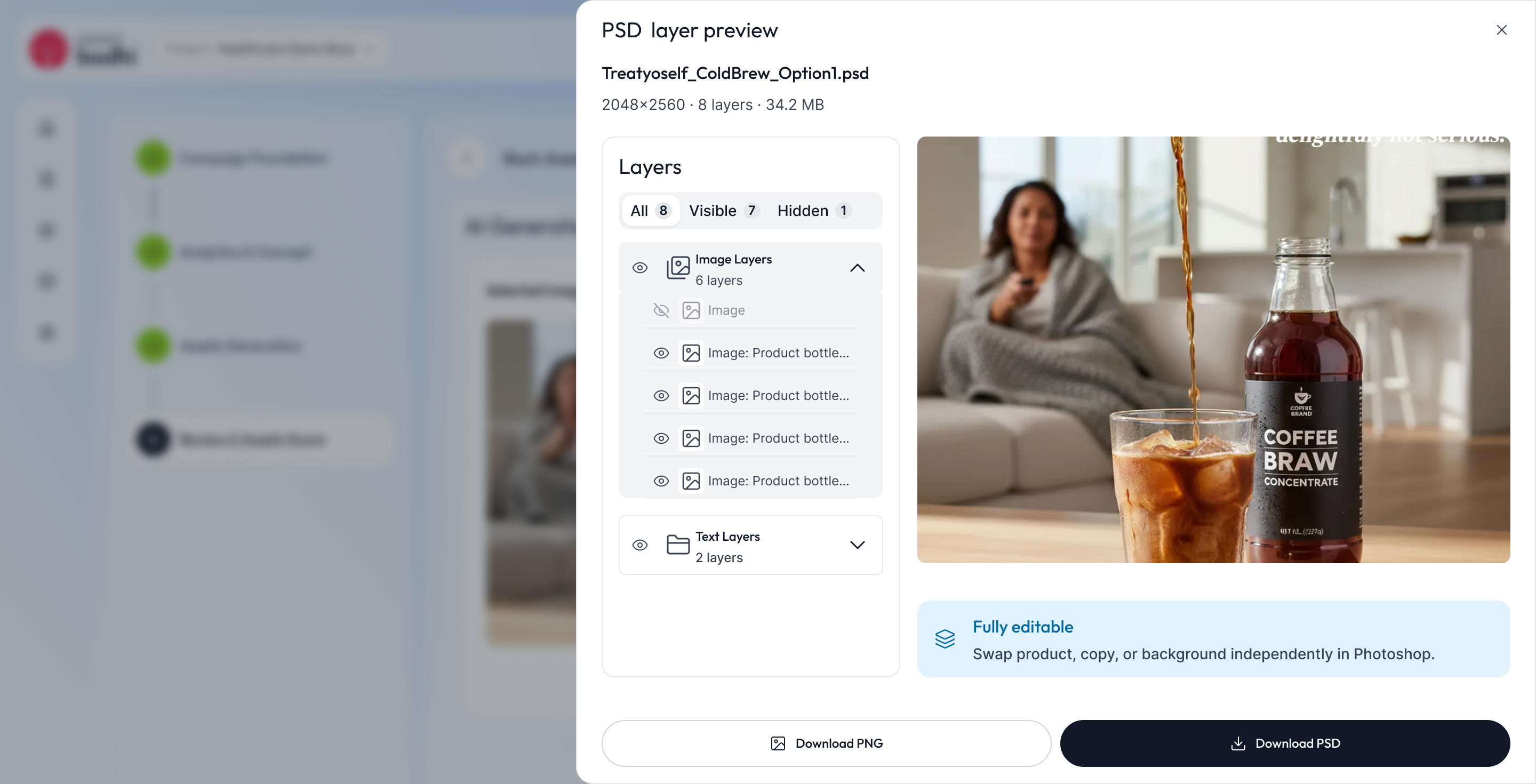
Rebuilt screens from Helix section headers, fields, rich checkbox groups, cards, badges, menus and drawers — tightening hierarchy, navigation and interaction patterns.
Worked with product and engineering through implementation, resolving component and behaviour questions as the build progressed.
Heuristic Evaluation · Old UI
Before redesigning, I reviewed every screen of the old campaign flow against Nielsen's 10 usability heuristics. These six issues shaped the redesign.
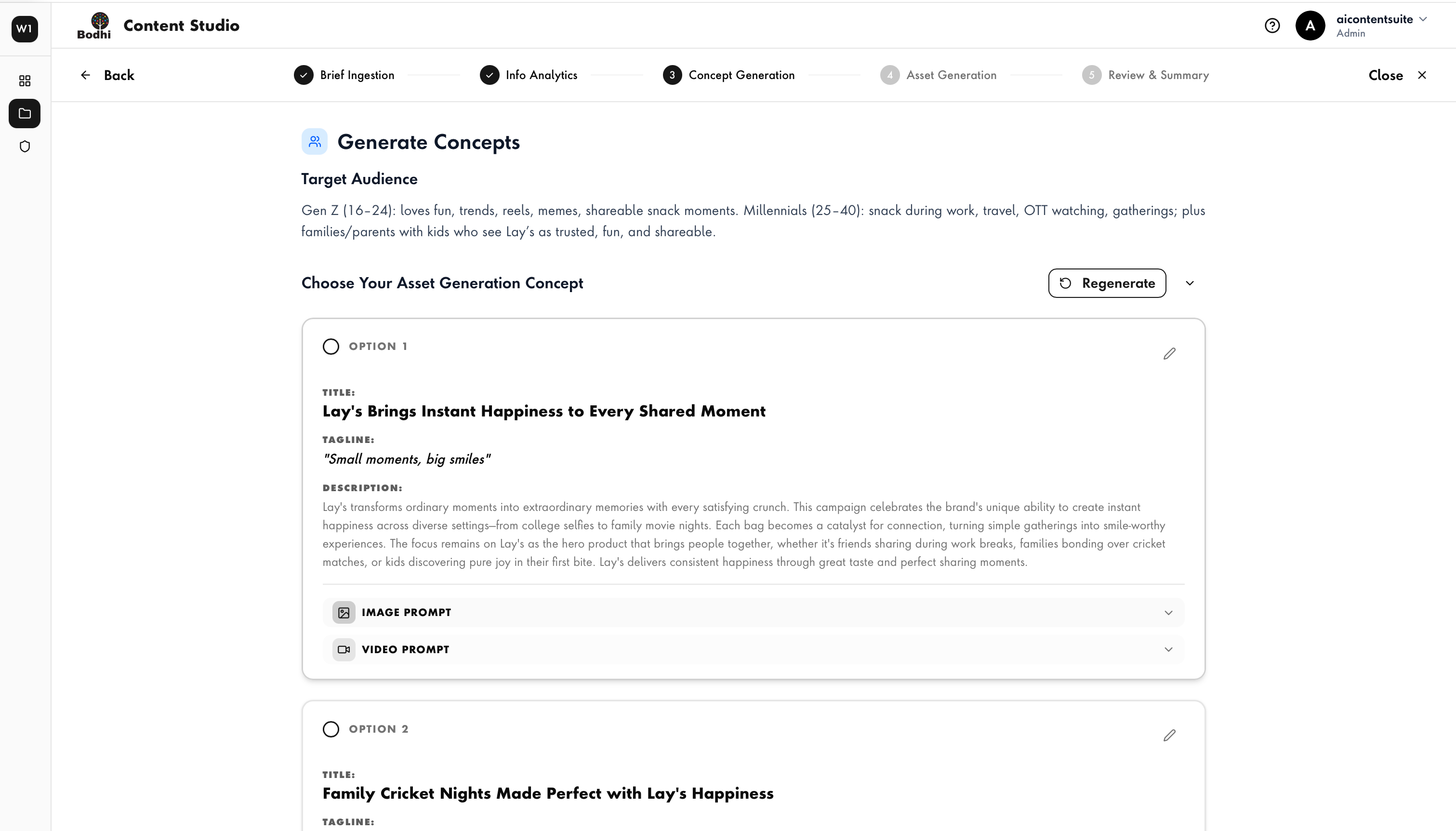
Brief Ingestion ran a three-step stepper inside the five-stage stepper, so users tracked two positions at once.
Redesign: one persistent vertical rail.
Audience, KPIs, guidelines and taglines sat in six collapsed accordions, so users had to recall the brief rather than see it.
Redesign: extracted brief one click away in a drawer.
Audiences were a block of text, and each concept expanded its full image and video prompts, making options slow to scan and compare.
Redesign: audience cards; concepts with collapsible prompts.
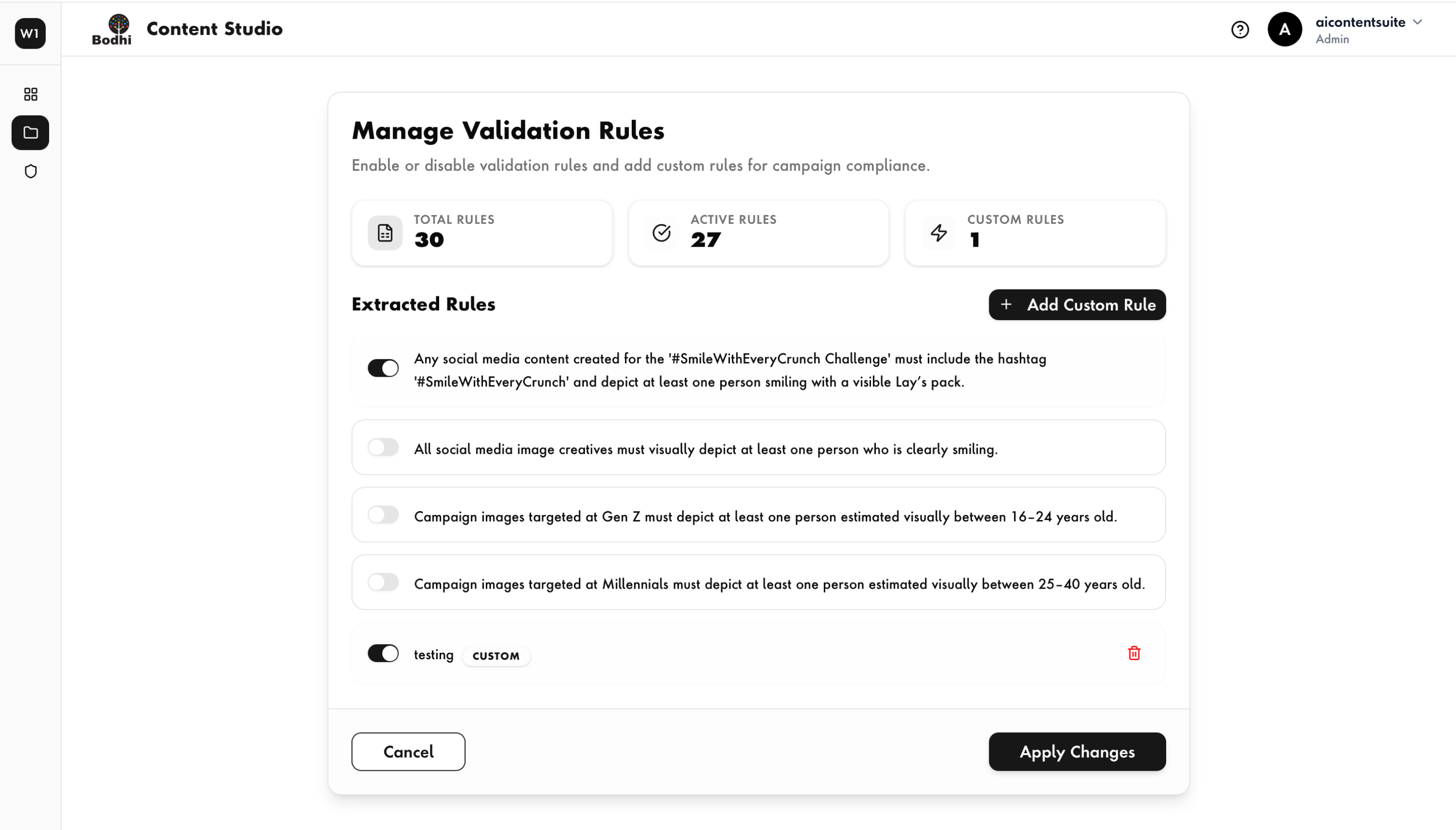
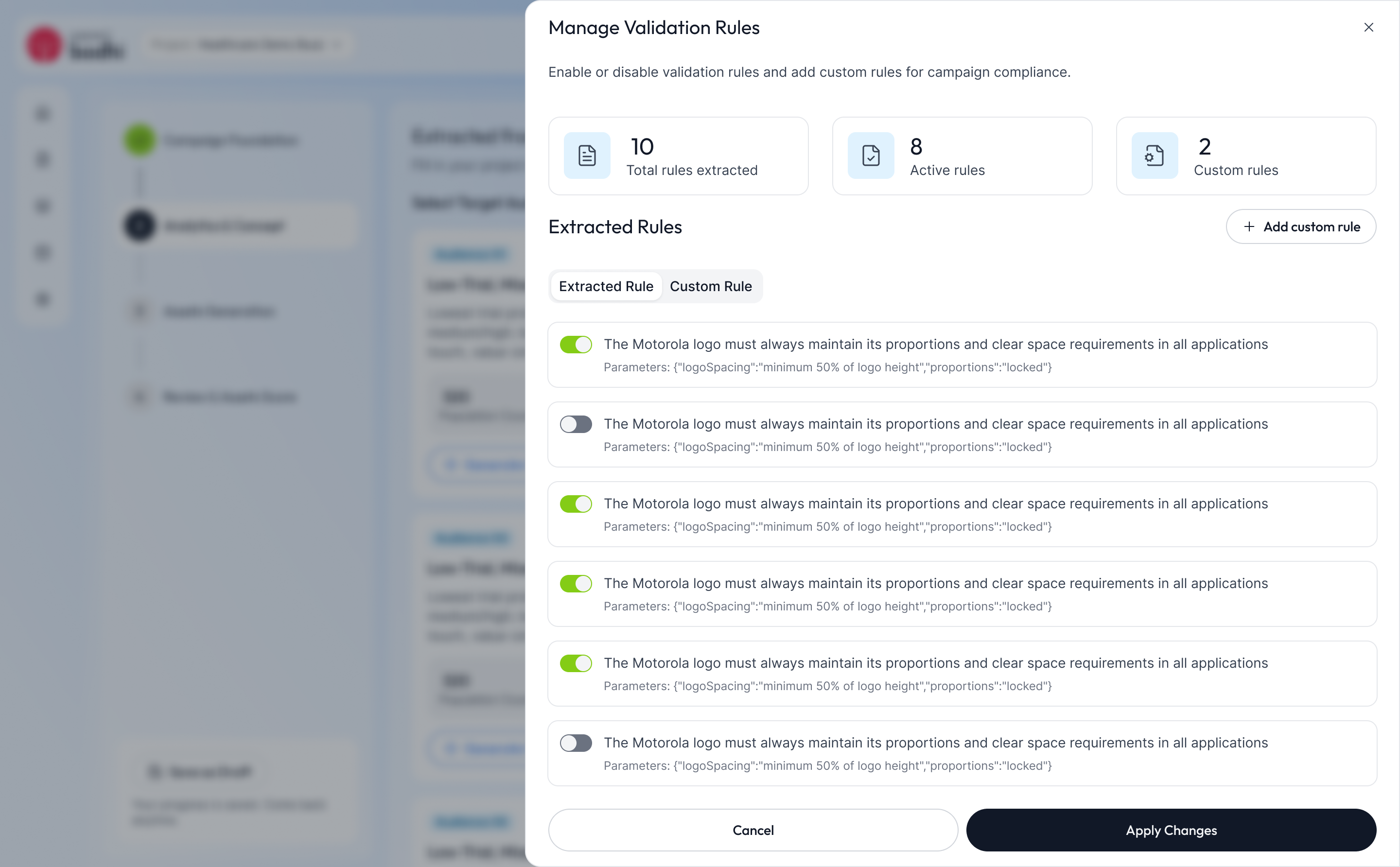
Managing validation rules meant leaving for a full page, then stacking a modal on top to add a rule.
Redesign: rules in a drawer over the flow.
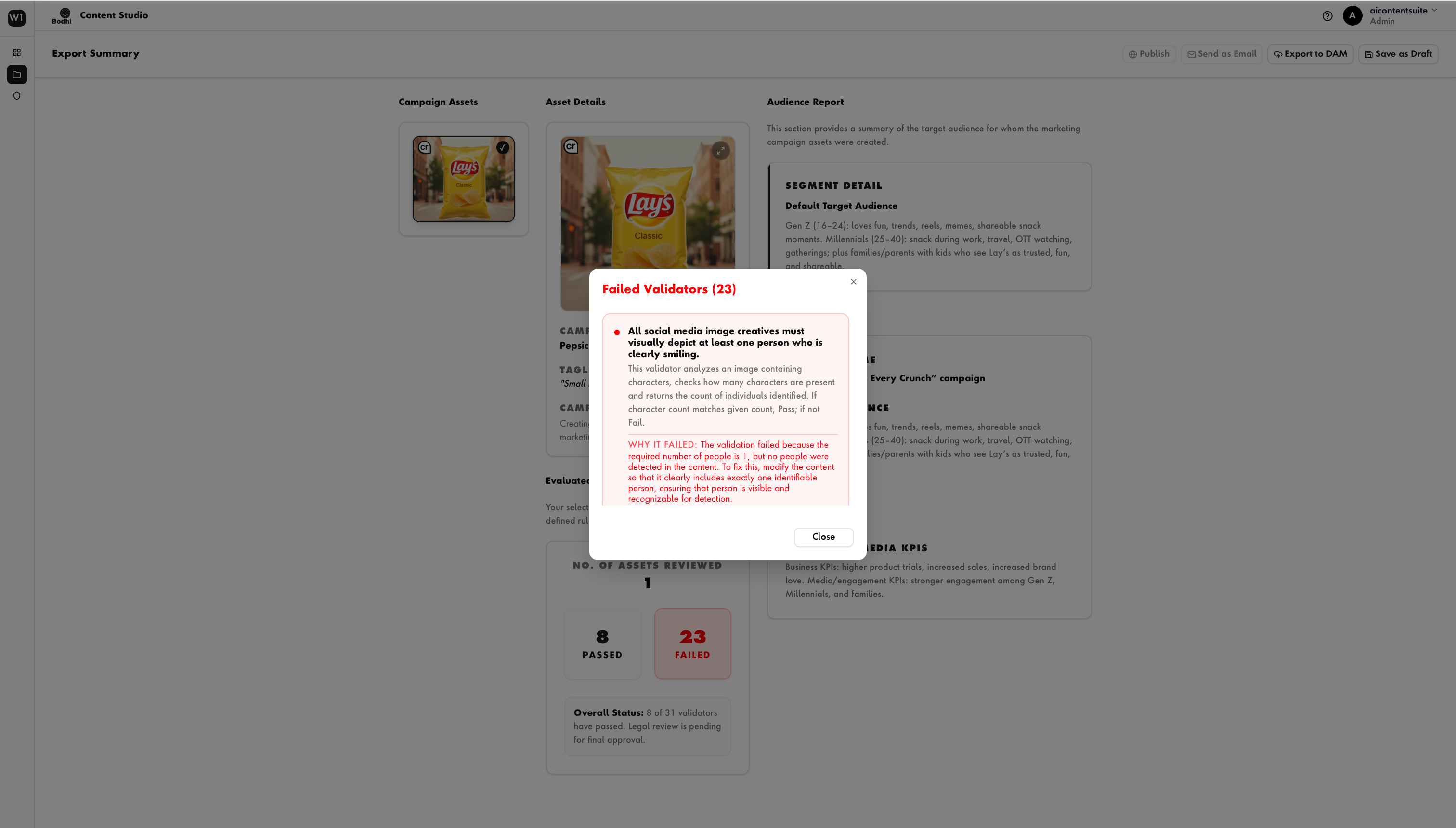
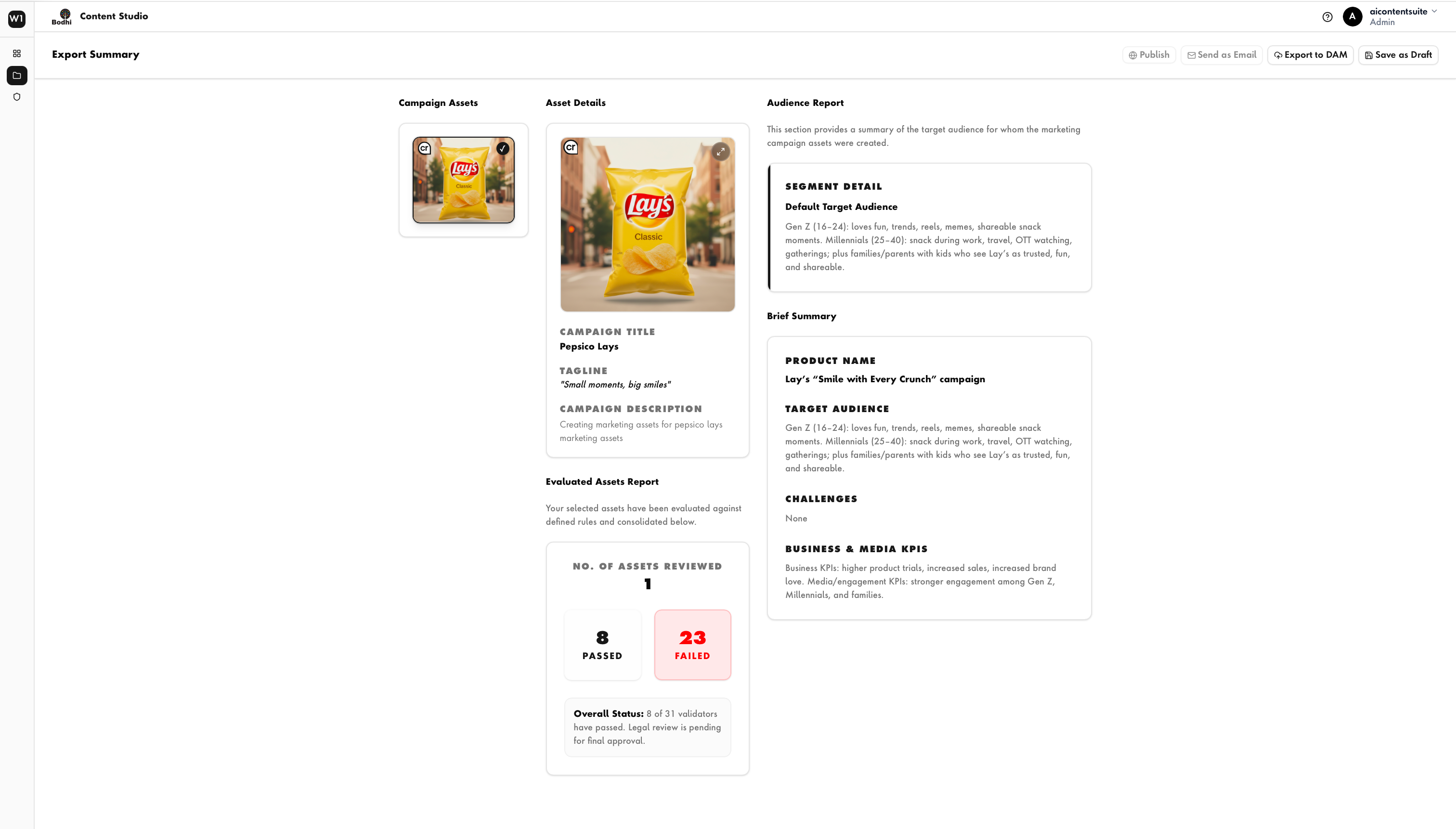
Review showed a lone image and a Validate button; pass and fail results only appeared on the final export summary.
Redesign: validation breakdown at review, rule by rule.
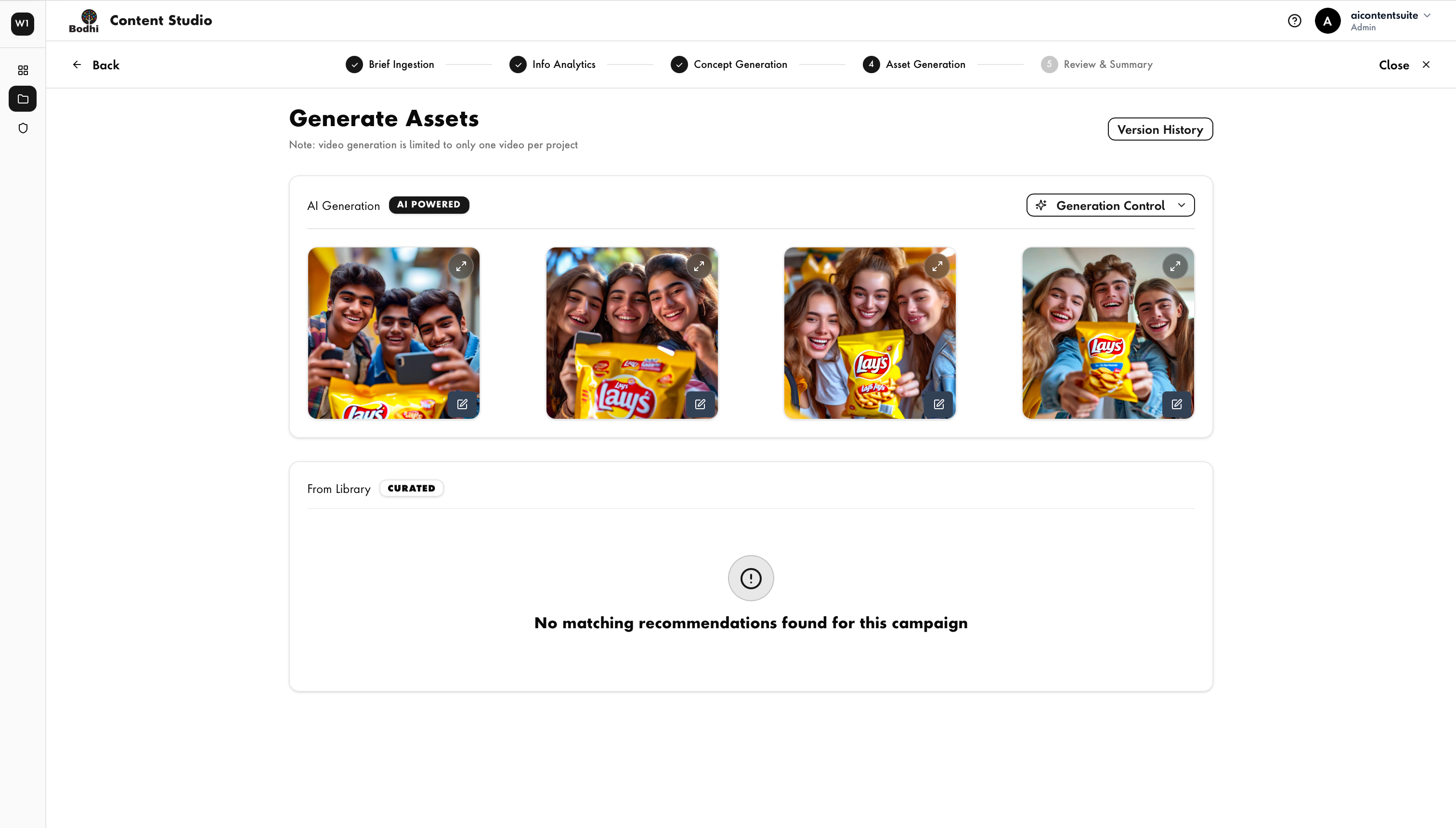
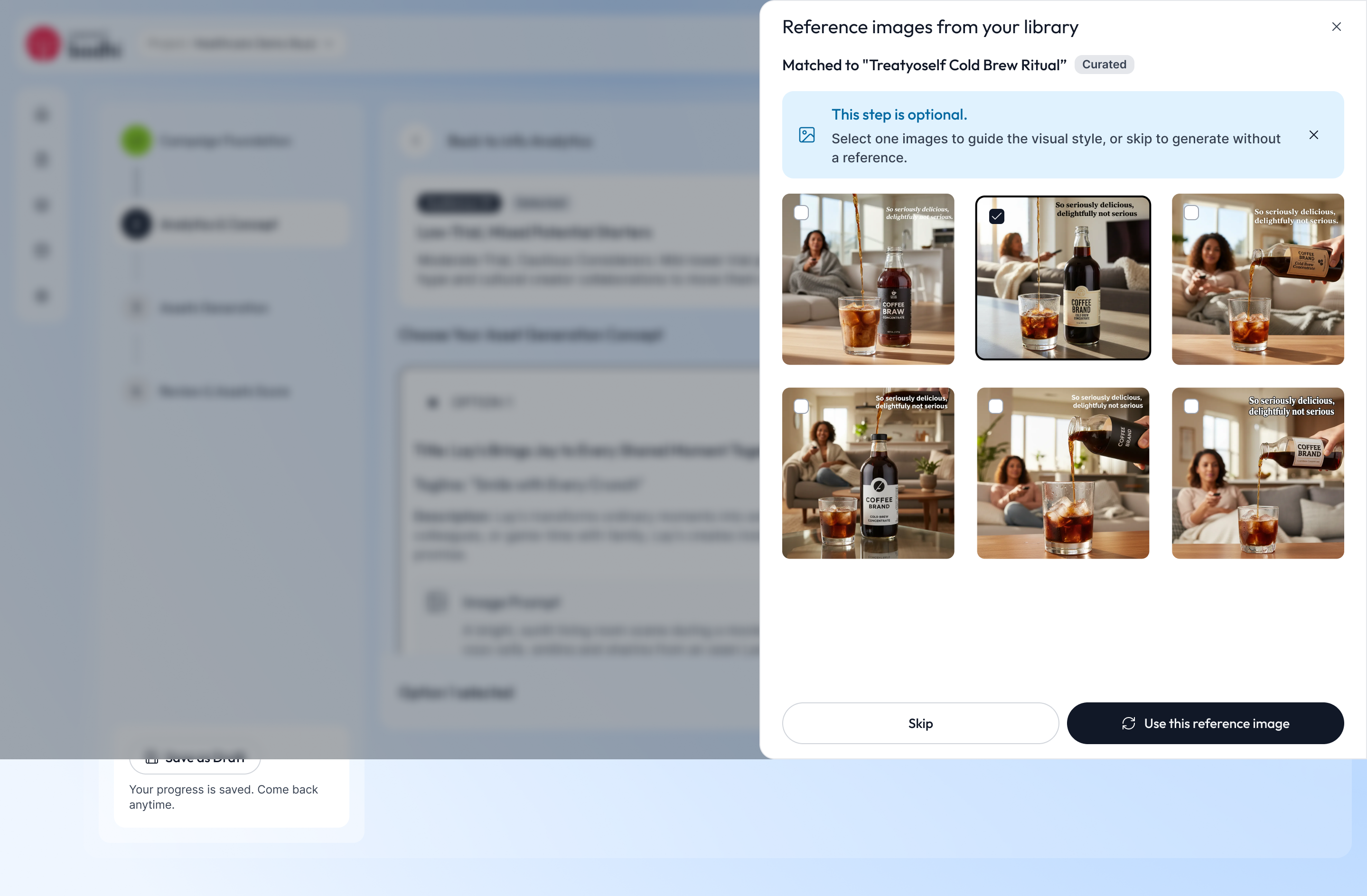
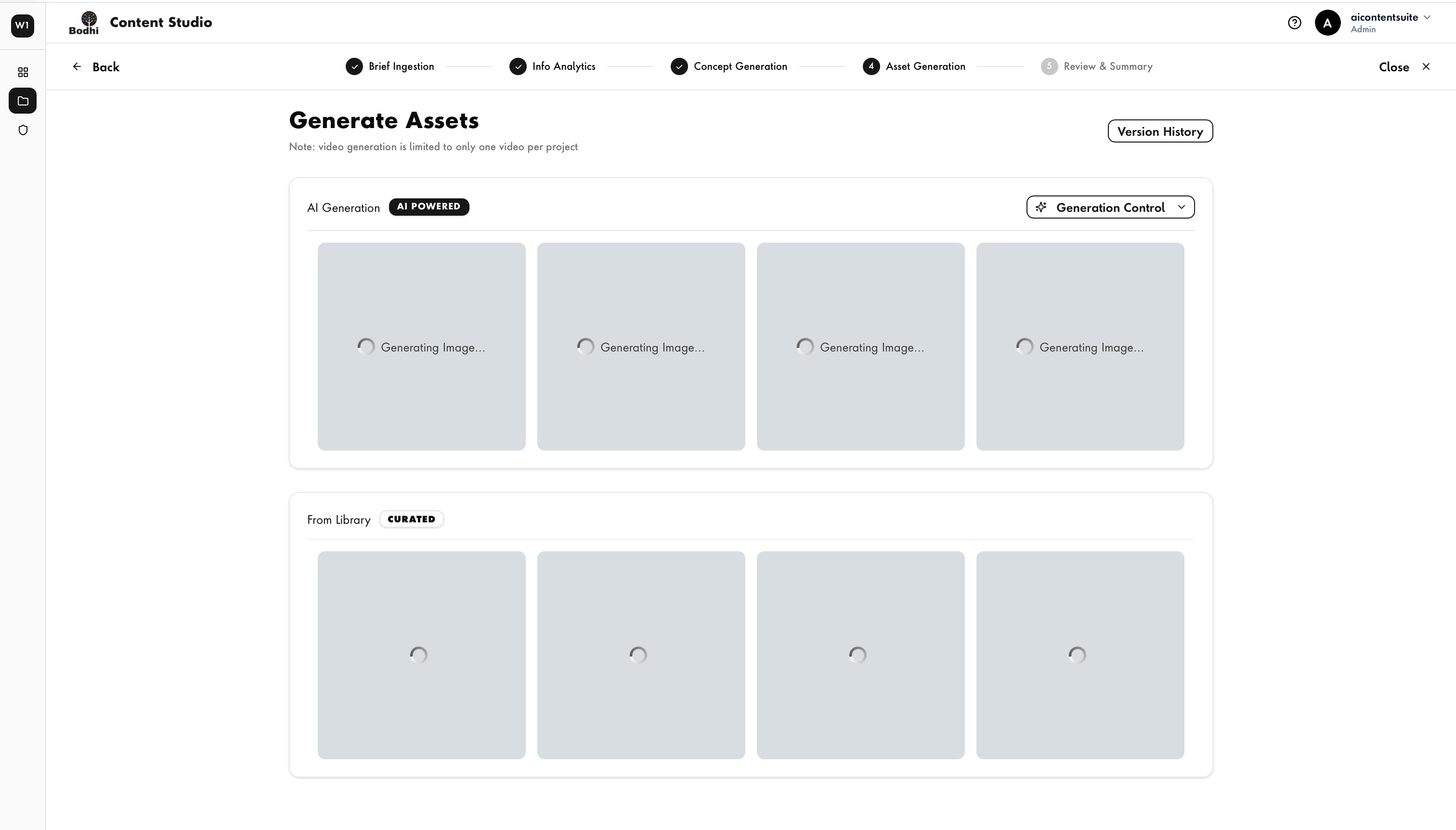
When the library had no match, the screen said so and stopped, and Save as Draft only appeared at the very end.
Redesign: optional references up front; draft saving on every stage.
Severity reflects my assessment of impact on completing a campaign.
Information Architecture · Old vs New
Before 5 stages · nested stepper
After 4 stages · one vertical rail
5 → 4
Stages, by merging analytics and concept
2 → 1
Steppers, replaced by one persistent rail
Pages → Drawers
Rules, brief and validation open in context
In the flow
Summary & publish no longer a separate destination
Old vs New
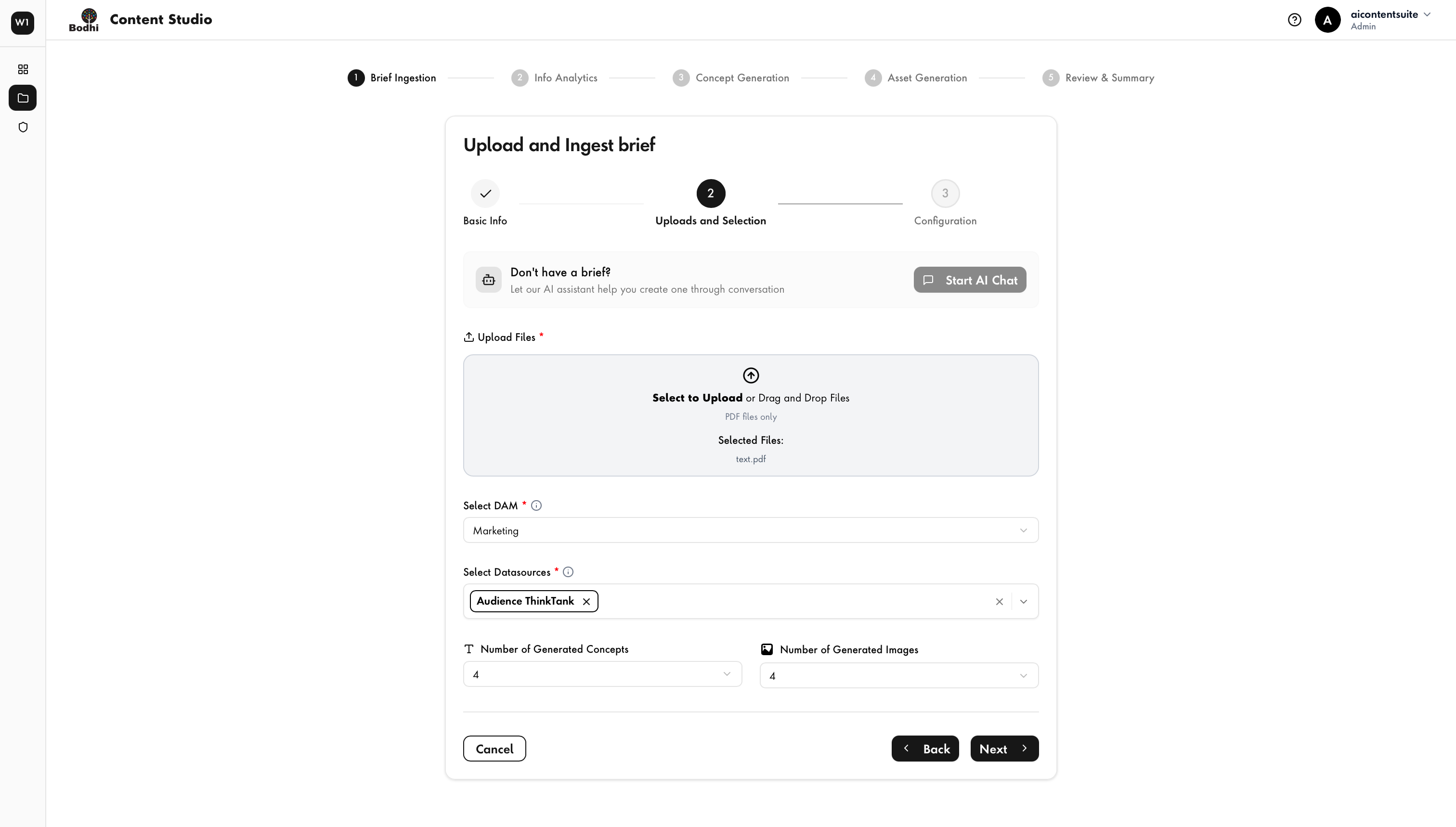
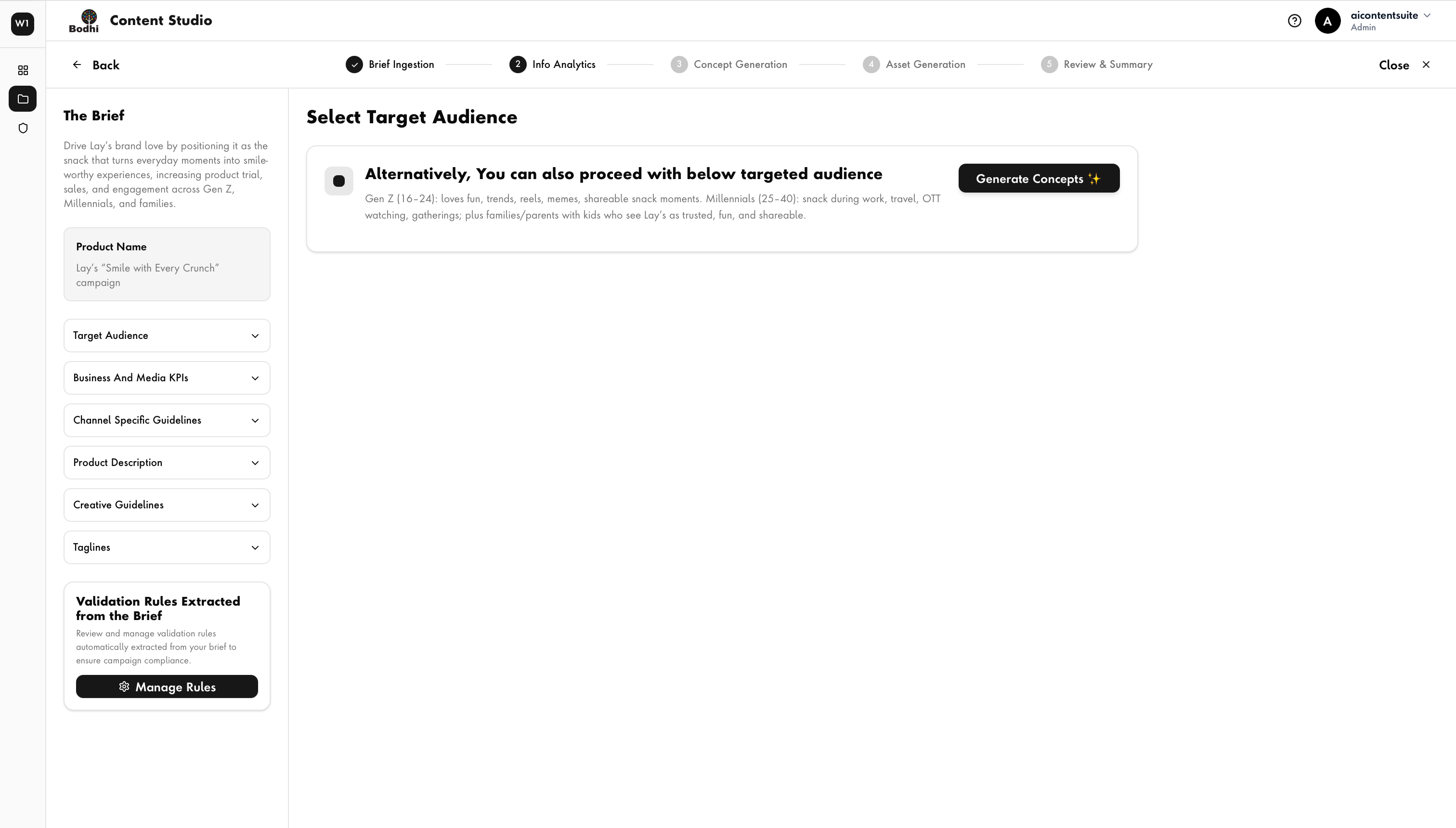
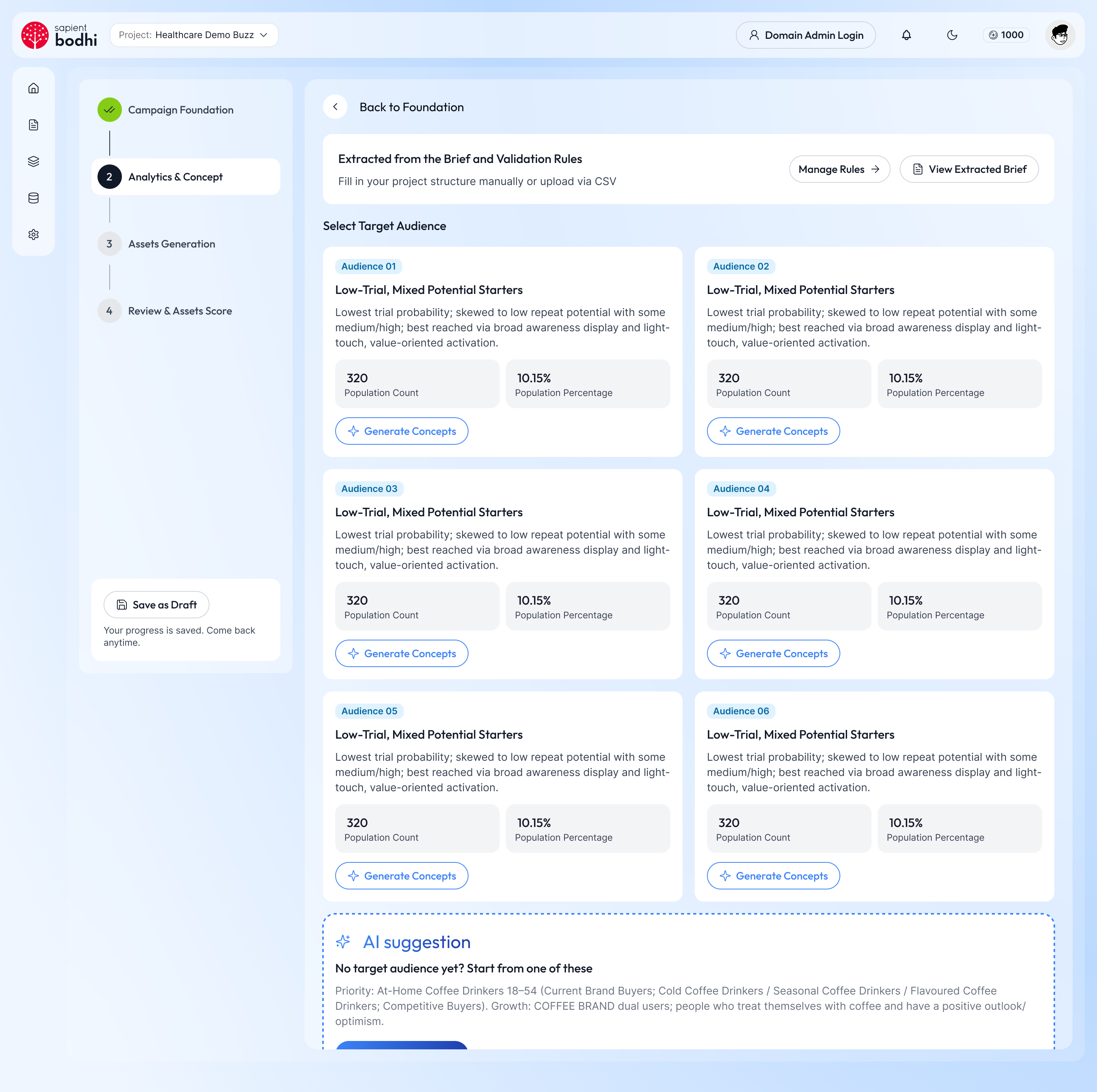
Key Design Decisions
Nested horizontal steppers became a persistent vertical rail, so users always see where they are — with Save as Draft anchored beside it.
Audience analysis and concept generation became one stage, keeping the chosen audience visible while its concepts are reviewed.
Audience segments show population count and share side by side, each with a direct Generate Concepts action.
AI output is visually distinct and always editable — a suggested audience when none fits, prompts that can be edited, regenerated or rolled back.
The extracted brief and validation rules moved from a crowded side panel into a slim header that opens a drawer on demand.
Every decision above ships as Helix components, so new AI capabilities inherit the same patterns by default.
Result
AICS now reads as a single, guided experience instead of a sequence of disconnected screens. Navigation and information structure are clearer, complex AI steps are simpler to move through, and the entire UI sits on a consistent Helix foundation giving the team a scalable direction for every capability that comes next.
← Outgrow — Smart Irrigation Planner
Next Case Study →
NEOM — Trojena Properties